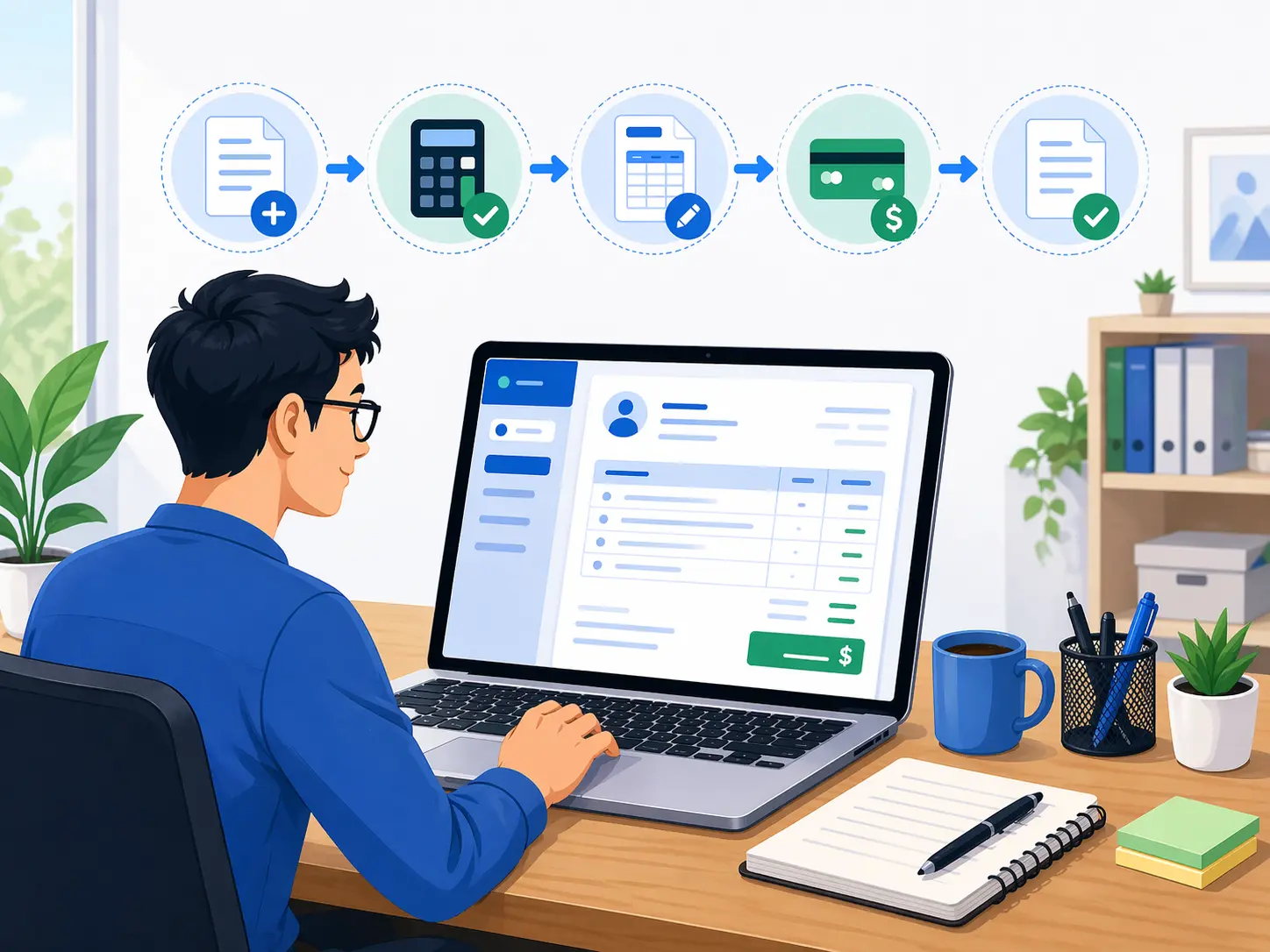
How to Make an Invoice Step by Step for Freelancers and Small Businesses
Knowing how to make an invoice properly matters for cash flow, record keeping, and client trust. A good invoice is not just a payment request. It is a business document that confirms what was delivered, who owes payment, when payment is due, and how the client should pay. When invoices are unclear, businesses lose time answering avoidable questions, correcting details, and following up on late payments. When invoices are well structured, clients can approve them faster and finance teams can process them without confusion.
This guide explains how to make an invoice step by step for freelancers, agencies, consultants, contractors, and small businesses. It is written from a practical operating perspective, not as theory. The goal is simple: create an invoice that is professional, accurate, and easy to turn into a clean PDF using an invoice generator.
What an invoice should include
Every invoice should help the client answer five questions quickly: who is sending the invoice, who is being billed, what work or products are being charged, how much is owed, and when payment is due. If any of these points are incomplete, payment can slow down.
- Business details: your company or trading name, email, phone number, address, website, and tax or registration details when relevant.
- Client details: the client or company name, billing contact, email, phone, and billing address.
- Invoice number: a unique reference that helps both sides track the transaction and reconcile accounts later.
- Issue date and due date: the day the invoice is created and the exact payment deadline.
- Line items: a clear description of services or products, quantity, rate, and amount.
- Subtotal, taxes, discounts, shipping, and balance due: totals should be easy to read and mathematically consistent.
- Payment terms: the rules for payment, such as Net 14, Net 30, deposit expectations, bank transfer instructions, or card payment guidance.
- Notes or terms: optional but useful for project references, milestone details, scope reminders, or thank-you notes.
Step 1: Start with your sender information
Begin with the legal or commercial identity that should appear on the invoice. For a freelancer, that may be your own name or registered business name. For a company, it should be the same entity name used on contracts, quotes, and accounting records. Keep these details consistent across documents. Inconsistent naming is a common reason clients pause invoices for clarification.
Add the business email, phone number, and address that clients should actually use. If you collect tax, VAT, or sales tax, include the registration number where required in your market. If you use a logo, keep it neat and professional, but do not let branding overwhelm the invoice data. The invoice must remain easy to print and easy to read.
Step 2: Add accurate client billing information
Use the billing name the client expects. This is especially important when one person approves work but another department pays invoices. For example, a startup founder may hire you, but the invoice may need to be addressed to the company’s accounts team or procurement department. A good invoice generator makes it easy to store and reuse client billing details so future invoices stay consistent.
If the project requires a separate shipping or service location, include that only when relevant. Otherwise keep the invoice simple. Unnecessary fields create friction and visual noise.
Step 3: Use a professional invoice number format
Your invoice number should be unique and easy to search. Many small businesses use a simple structure such as INV-2026-001 or APR-2026-014. The exact format matters less than consistency. A clear numbering system improves bookkeeping, customer support, tax documentation, and year-end reporting.
Avoid random filenames or vague labels such as “invoice-final” or “bill-new.” Those are difficult to track in accounting systems and look unprofessional to clients.
Step 4: Write line items the client can approve quickly
The best invoices are specific without becoming cluttered. Each line item should describe what the client is paying for. If you are billing services, mention the service name, phase, deliverable, or time period. If you are billing products, include the product name, quantity, and rate. If you are billing a project milestone, label the milestone directly.
- Good example: Website homepage UX design, 1, $1,200
- Good example: Monthly bookkeeping support for April 2026, 1, $450
- Weak example: Work done, 1, $1,200
Specific line items reduce follow-up emails and help protect against disputes later. They also help your own business when reviewing project profitability or client history.
Step 5: Check all calculations before sending
Invoice totals should be unambiguous. Review the subtotal, then confirm whether discounts apply before tax, whether tax is percentage-based or fixed, whether shipping is relevant, and whether any amount has already been paid. The final balance due should match the logic of the transaction. This is where a reliable online invoice generator saves time because it calculates totals automatically and reduces manual math errors.
If you offer a deposit model, make sure the invoice clearly shows the total project value, the amount already paid, and the remaining balance. Clients should not need to guess how the numbers connect.
Step 6: Add payment terms that remove ambiguity
Many late payments happen because businesses write invoices without a clear due date or without practical payment instructions. Add both. If the invoice is due on receipt, say so. If it is due in 14 or 30 days, write the exact due date as well as the payment term. Then add the payment method details the client needs to complete payment, such as bank transfer instructions, payment platform reference, or other approved method.
If you plan to charge late fees, make sure the rule is already supported by your agreement and local regulations. An invoice is not a substitute for a contract, but it should be consistent with your commercial terms.
Step 7: Review the invoice from the client’s perspective
Before downloading the PDF, ask a simple question: can someone unfamiliar with the project understand this invoice in less than thirty seconds? A finance manager should be able to scan the document and identify the vendor, the service, the amount due, and the deadline immediately. If the answer is no, simplify the layout or improve the wording.
Professional invoices use white space well, keep headings readable, and avoid excessive styling that could look strange in print. A printable PDF invoice is still the standard in many businesses because it is easy to share, archive, and attach to approval workflows.
Common invoice mistakes to avoid
- Sending an invoice without a due date.
- Using vague line item descriptions.
- Forgetting the invoice number.
- Mixing personal and business contact details inconsistently.
- Leaving out tax details when they are required.
- Using a design that looks attractive on screen but prints poorly.
- Sending the invoice as editable text instead of a final PDF.
Why using an invoice generator helps
A dedicated invoice generator reduces repetitive work. Instead of rebuilding every invoice in a document editor, you can reuse sender details, client information, item descriptions, and payment settings. That makes the process faster, especially for repeat billing. It also improves consistency across invoices, which supports stronger operations and a better brand impression.
For freelancers and small businesses, the biggest operational win is usually not design. It is speed and accuracy. When the invoice creation process is simple, invoices go out faster after work is completed, and faster invoicing usually supports faster payment.
Final checklist before you download the PDF
- Business and client information are correct.
- Invoice number is unique.
- Issue date and due date are accurate.
- Line items clearly match the work delivered.
- Totals, tax, discounts, and paid amounts are correct.
- Payment terms are visible and specific.
- The final layout is easy to read and print.
If you follow these steps, you will not just know how to make an invoice. You will have a repeatable billing workflow that is easier to trust internally and easier for clients to pay. That is the real value of a professional invoice generator.
This guide is educational and operational in nature. Businesses should confirm tax, compliance, and invoicing requirements based on their own jurisdiction and accountant or legal adviser.