Free Online Invoice Generator

Add your details and line items, check the totals, then preview and download your PDF.

No signup required
Guest mode: this invoice is not saved to an account. Create free account
Brand theme
$0.00
$0.00
Item 1
Amount $0.00

$0.00

Free Invoice Generator – Create Professional Invoices Online

Create an invoice online, check the preview, and download a PDF for free. No signup is required to download. Sign in if you want to save invoices to your account and reopen them later.

Use the invoice maker for freelance projects, consulting hours, products, or contractor work. Compare invoice templates, choose a currency, add your logo, and edit the labels to suit the job.

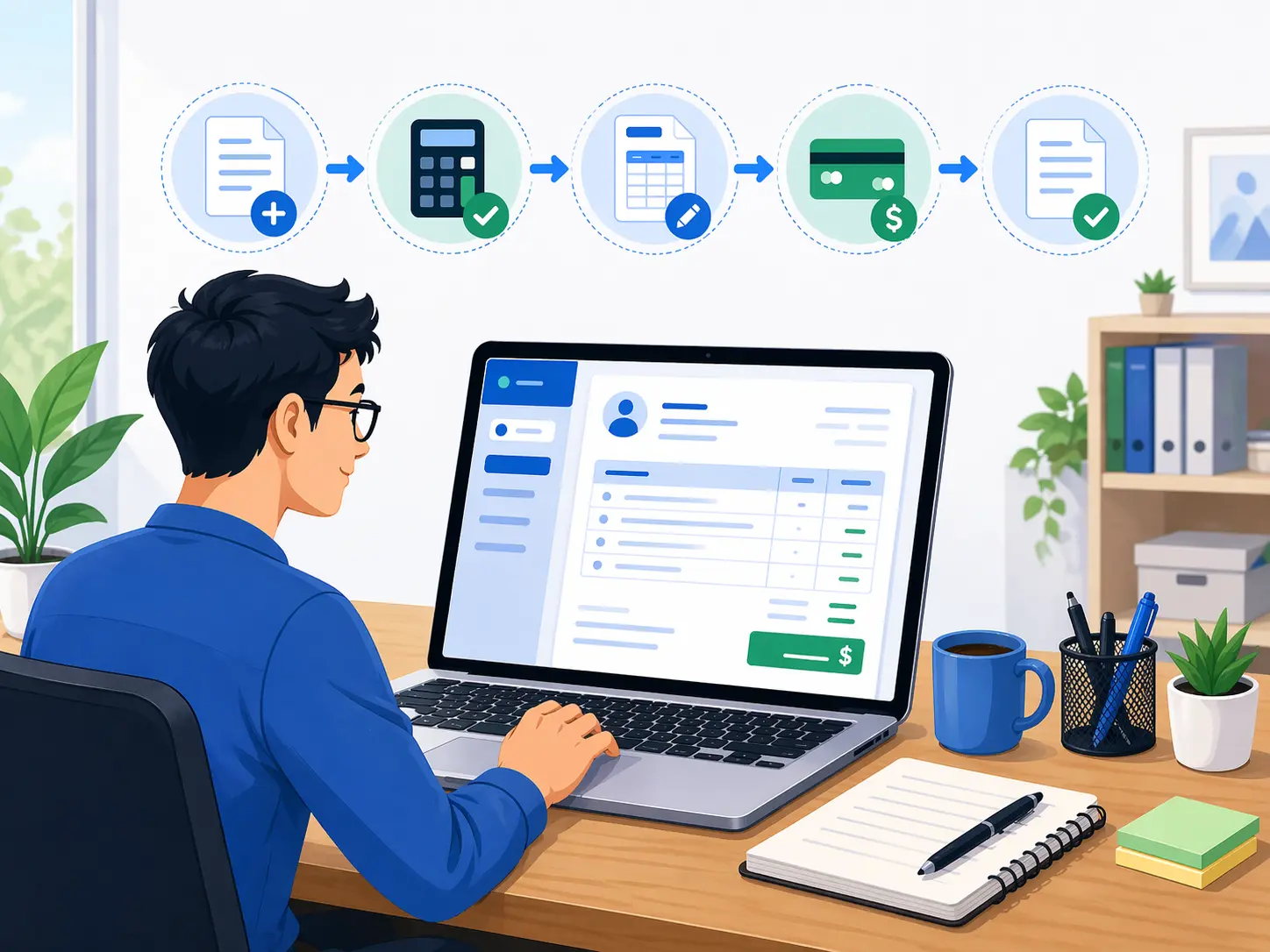
Create an invoice in three steps

  1. Add business and client details

    Start with your company name, address, email, phone number, website, tax ID, and logo. Then add the client name, billing address, contact details, and shipping details if needed. A clear header helps the client know exactly who sent the invoice and who should pay it.

  2. Enter line items, rates, and totals

    List the services, products, hours, retainers, milestones, or packages you are billing for. Each line item can include a description, optional notes, quantity, and rate. You can also add tax, discount, shipping, and paid amount so the balance due stays accurate.

  3. Preview your invoice and download the PDF

    Before sending anything, review the finished layout in preview mode. Check invoice number, dates, client details, currency, totals, and payment terms. Then download PDF invoice files that are easy to email, print, archive, and upload to customer payment portals.

Worked example · USD

From hours worked to balance due

Suppose you completed five hours of design work at $60 per hour and a $120 revision package. Your client has already paid a $100 deposit. Enter the deposit under Paid so it is deducted from the balance.

Illustrative invoice INV-2026-001. All amounts are in USD; no tax, discount, or shipping is included.
DescriptionAmount
Design work
5 hours × $60.00
$300.00
Revision package
1 × $120.00
$120.00
Subtotal$420.00
Paid deposit$100.00
Balance due$320.00

Each line amount is quantity × rate. Here, $300 + $120 − $100 leaves $320 to pay. Currency selection changes the invoice currency; it does not convert your prices.

Create your invoice

What to check before sending

Business details and logo

Add your business name, address, email, phone number, website, tax ID, and logo so the customer can verify the sender immediately. For many businesses, this is the difference between a homemade document and a professional invoice template.

Client, bill to, and ship to details

Include the client company or person name, email, phone number, billing address, and shipping address when needed. This helps the invoice move through finance teams, store managers, office admins, or purchasing departments without confusion.

Invoice number, PO number, issue date, and due date

Every invoice should have a clear reference. A unique invoice number makes record keeping easier, while PO number, issue date, and due date help the client match the bill to the correct job and payment timeline.

Line items, quantity, and rate

A strong invoice creator should let you break the work into understandable items. You can bill for services, consulting hours, products, retainers, maintenance visits, creative deliverables, or custom project phases with quantity and rate clearly shown.

Discount, tax, shipping, paid amount, and balance due

The total section should explain the final amount without guesswork. If you are giving a discount, charging tax, adding shipping, or subtracting a deposit that has already been paid, it should all be visible in a logical order.

Notes and payment terms

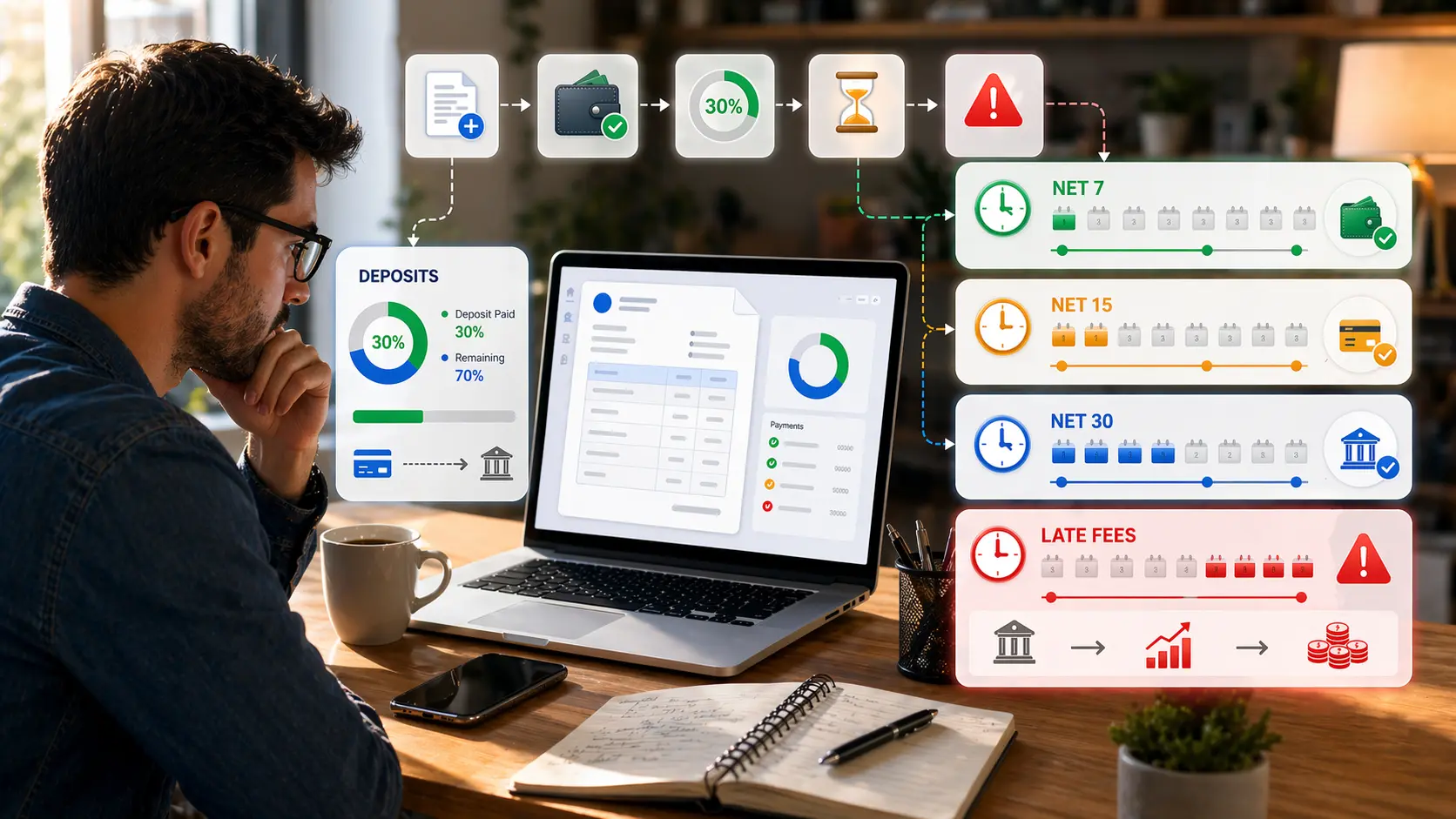
Use notes and payment terms for payment instructions, delivery notes, bank details, project references, late fee language, warranty notes, or a short thank-you. These details often help customers process the invoice correctly the first time.

Download now, or save to your account

As a guest, you can create, preview, and download your invoice. Your draft is not saved to an account, so download your PDF before leaving. When signed in, wait for “Changes saved to your account” before navigating away, then use My saved invoices to reopen your work.

Creating a share link requires sign-in. Send the downloaded PDF yourself or share the link with your client. See our privacy policy for data-handling details, or contact support if you need help.

Questions about the invoice generator

Can I use this invoice generator free without signup?

Yes. You can create and download PDF invoices for free without signing up. Create a free account if you want to save your invoice data and reuse it later.

Is this a good invoice generator for freelancers?

Yes. Freelancers can use it for fixed-price work, hourly billing, retainers, milestone invoices, revisions, and service packages. The layout stays clear whether you bill one item or several.

Can I create invoice online PDF files for clients in other countries?

Yes. The editor supports currency selection, which is useful for international clients, remote work, consulting, and businesses that bill across borders.

What should I include in a professional invoice template?

A professional invoice should include your business details, the client details, invoice number, issue date, due date, line items, quantity, rate, totals, taxes or discounts where relevant, and clear payment terms.

Why is PDF the best final invoice format?

PDF keeps the invoice layout stable. The file is easier to email, easier to print, and less likely to change when the client opens it on a different device or in another app.

Can I preview my invoice before I download it?

Yes. Preview lets you review the finished invoice before you export it. That makes it easier to catch missing details, incorrect dates, or totals that need adjustment.

Practical invoicing guides

Need more help with invoice details and payment wording? Read our guides before preparing your next invoice.
Browse invoice guides